
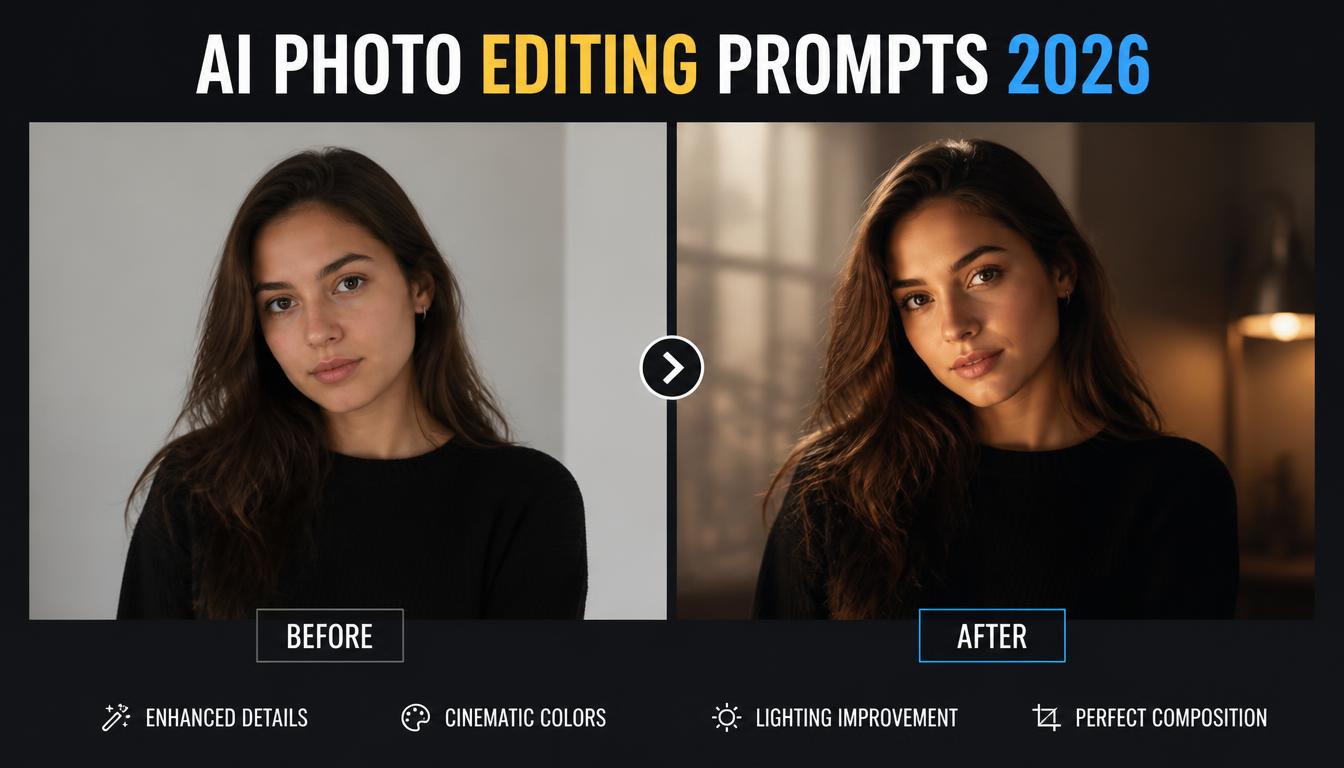
Kya aap apni normal selfie ko professional photoshoot jaisa look dena chahte hain? Ya phir Instagram DP ke liye cinematic, stylish aur realistic photo banana chahte hain?
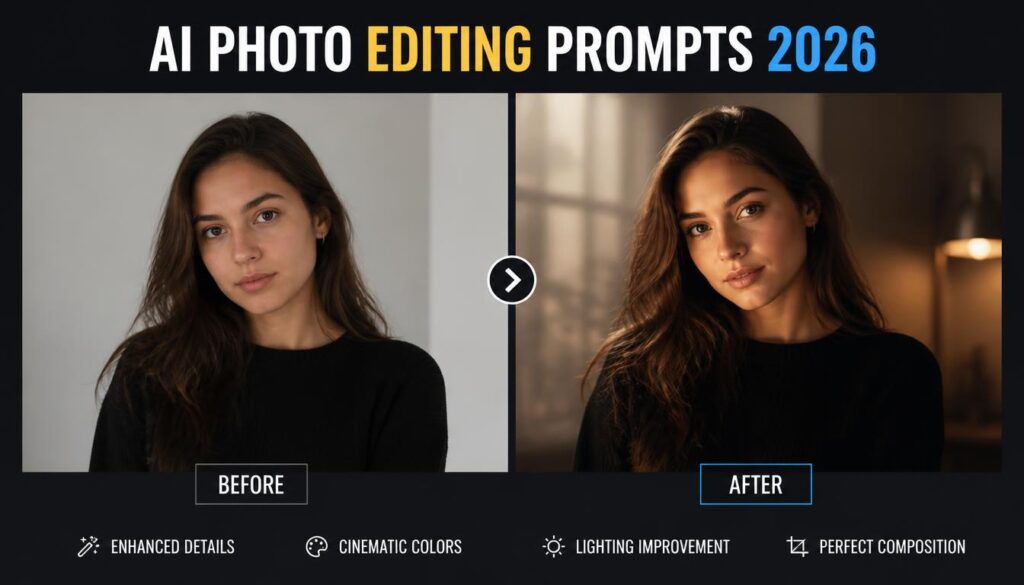
AI Photo Editing Kya Hai?
AI Photo Editing ek technology hai jo Artificial Intelligence ki madad se existing photographs mein changes karne ki facility deti hai.
Iski help se aap photo ka background replace kar sakte hain, lighting adjust kar sakte hain, unnecessary objects remove kar sakte hain aur creative portrait effects generate kar sakte hain.
Traditional editing mein aksar manual adjustments karne padte hain. AI editing mein aap text instructions dekar desired changes explain kar sakte hain.
Example Prompt:
Enhance this portrait with natural lighting, realistic skin texture and a softly blurred background.
Is instruction ka purpose photo ko enhance karna hai, bina unnecessary changes kiye.
However, AI-generated results hamesha accurate nahi hote. Kabhi-kabhi facial details, hands aur background objects mein unwanted changes aa sakte hain.
AI Photo Editing Kaise Karein? Step-by-Step Guide
AI ki help se photo edit karne ke liye neeche diye gaye steps follow karein.
- AI Tool Open Karein: ChatGPT, Gemini ya Adobe Firefly jaise image-editing features support karne wale tool ko open karein.
- Photo Upload Karein: Apni clear aur properly lit photograph select karein.
- Prompt Copy Karein: Neeche diye gaye prompts mein se apni requirement ke according ek choose karein.
- Instructions Enter Karein: Prompt ko AI tool ke editing interface mein paste karein.
- Image Generate Karein: Available edit ya generate option select karein.
- Result Check Karein: Face, clothes, background aur overall quality carefully inspect karein.
- Photo Save Karein: Satisfactory result milne par edited image download karein.
Important Tip: Har AI tool ka interface aur available features different ho sakte hain. Kuch tools mein photo upload, editing, ya high-resolution export ke liye account ya paid plan ki zarurat ho sakti hai.
10 Best AI Photo Editing Prompts Copy Paste
Neeche diye gaye prompts beginners ke liye design kiye gaye hain.
Aap inhe apne photo editing tool mein paste karke different photography styles explore kar sakte hain.
1. Realistic AI Photo Editing Prompt
Agar aap natural aur professional-looking portrait banana chahte hain, toh yeh prompt useful hai.
Copy Prompt:
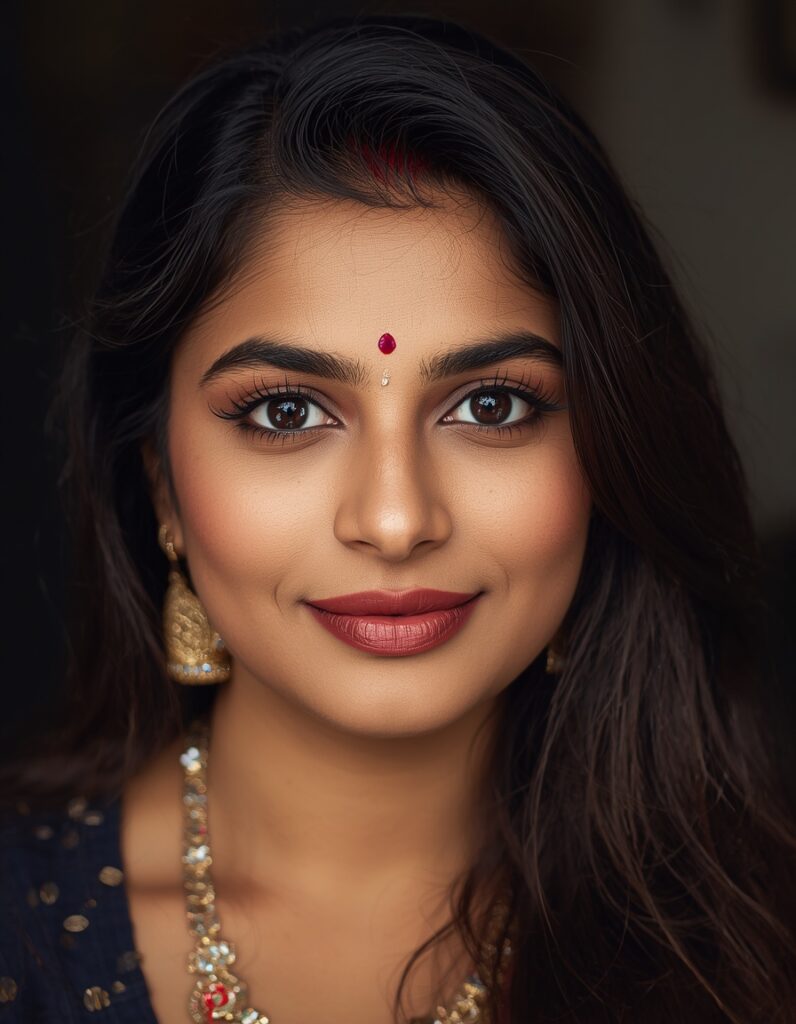
Edit my uploaded photo into a realistic professional portrait. Preserve my facial identity, natural facial features and hairstyle. Improve lighting, sharpness and colour balance. Add a softly blurred background, realistic skin texture and natural shadows. Avoid excessive smoothing, artificial facial changes and unrealistic effects.
Best For: WhatsApp DP, Instagram profile aur everyday portrait photographs.
2. AI Photo Editing Prompt for Boys
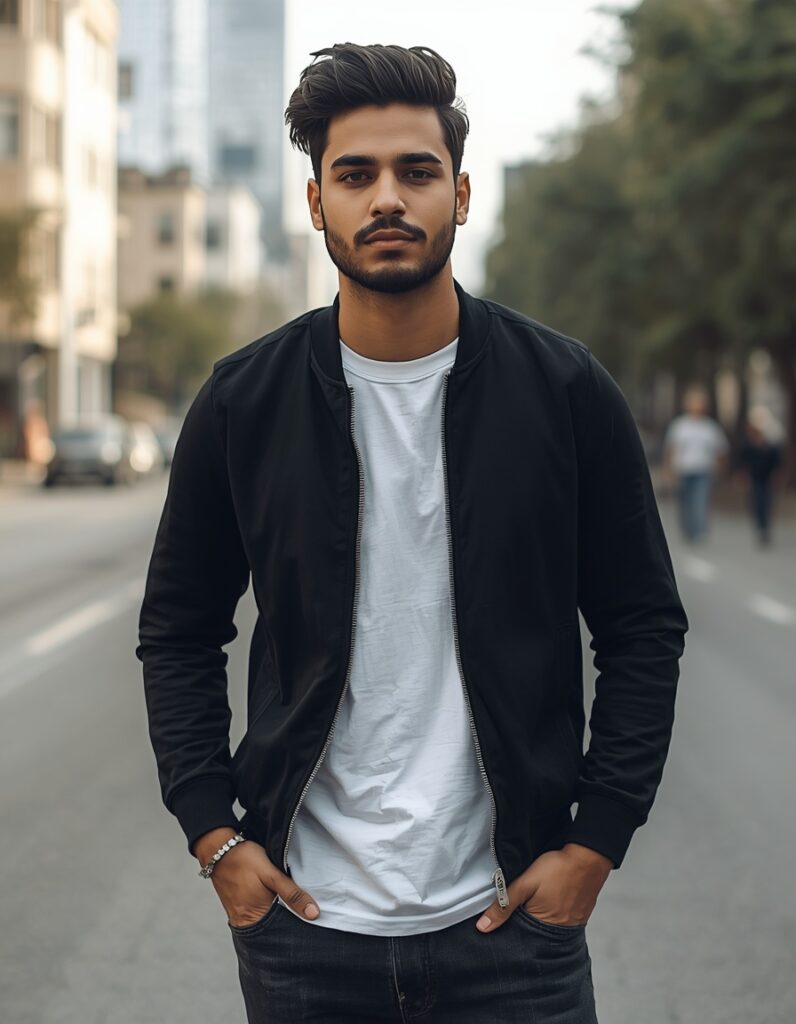
Boys ke liye stylish outdoor photography look create karne ke liye yeh prompt try karein.
Copy Prompt:
Transform my uploaded photo into a stylish outdoor fashion portrait. Keep my original face and facial identity consistent. Dress me in a modern black casual jacket with a plain white T-shirt. Add an urban street background, natural daylight, realistic fabric details and professional portrait photography. Maintain natural body proportions and realistic skin texture.
Best For: Instagram DP, stylish portraits aur social media profiles.
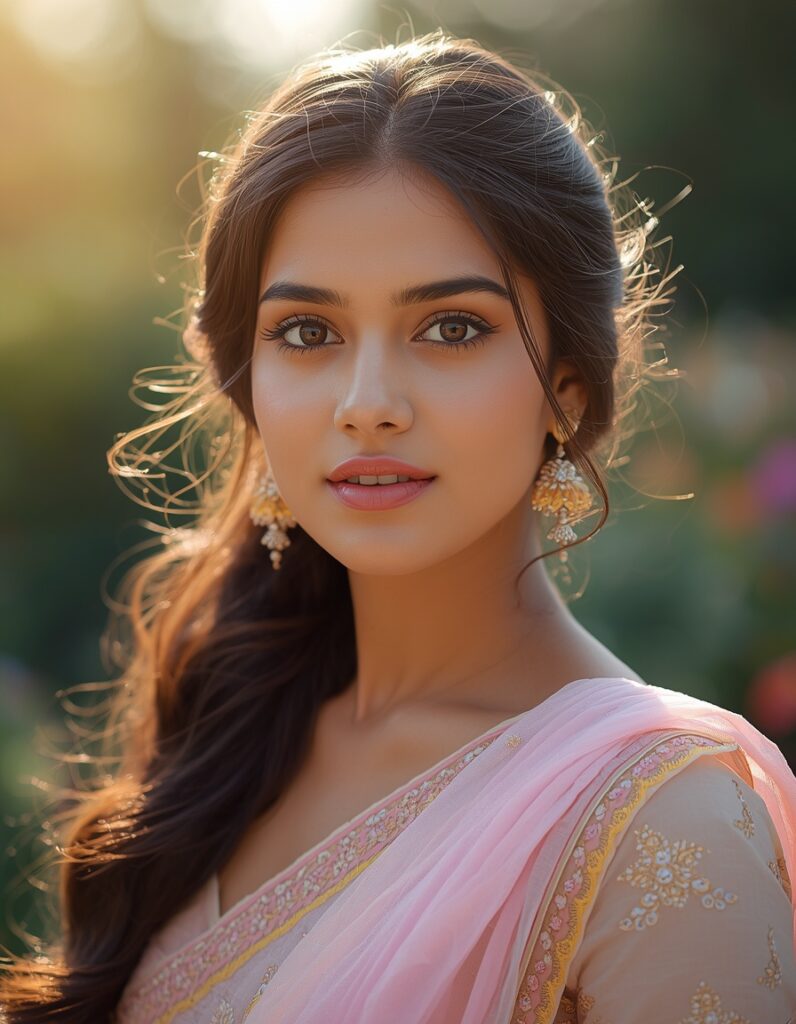
3. AI Photo Editing Prompt for Girls
Agar aap elegant aur soft photography style pasand karti hain, toh yeh prompt suitable hai.
Copy Prompt:
Create an elegant portrait using my uploaded image. Preserve my original facial features and natural appearance. Add a beautiful pastel outfit, soft natural makeup and a peaceful garden background. Use warm sunlight, subtle bokeh, realistic hair details and professional portrait lighting. Keep the final image natural, graceful and photorealistic.
Best For: Instagram posts, profile photographs aur creative portraits.
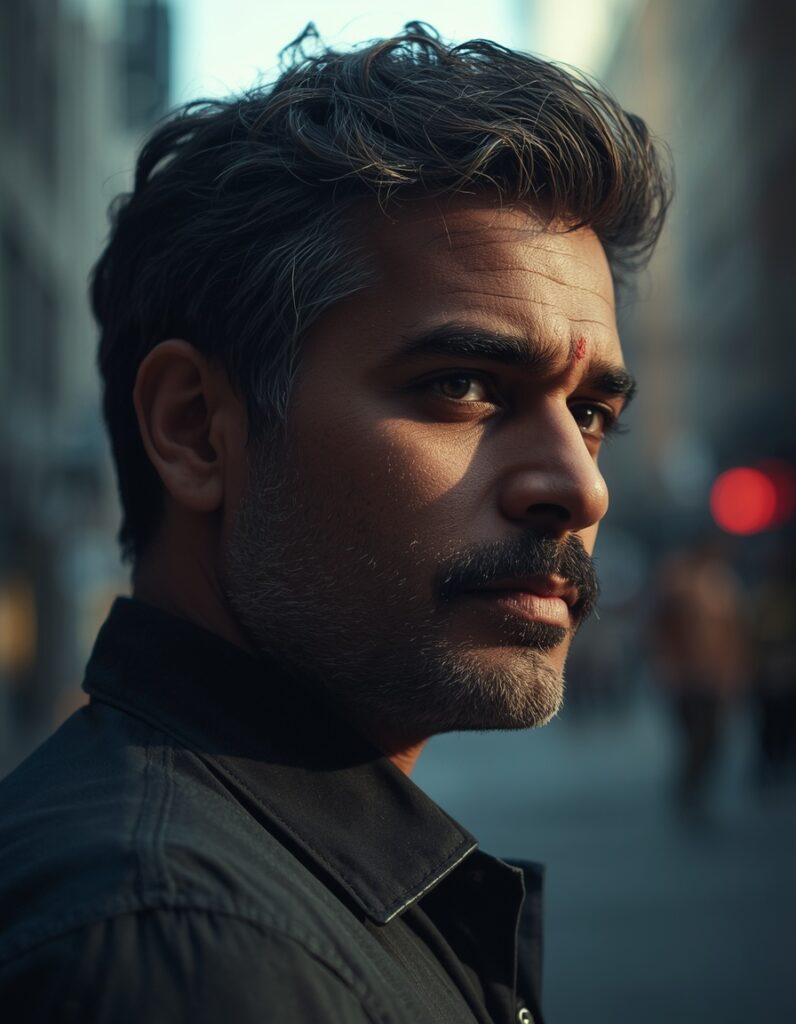
4. Cinematic AI Photo Editing Prompt
Cinematic editing se aapki photo ko movie-inspired visual style diya ja sakta hai.
Copy Prompt:
Convert my uploaded portrait into a cinematic photograph. Maintain my original facial identity and realistic appearance. Add dramatic side lighting, subtle shadows, cinematic colour grading and a softly blurred city background. Use a professional camera aesthetic with natural skin texture and realistic depth of field. Avoid exaggerated facial modifications.
Best For: Cinematic Instagram posts aur creative photography.
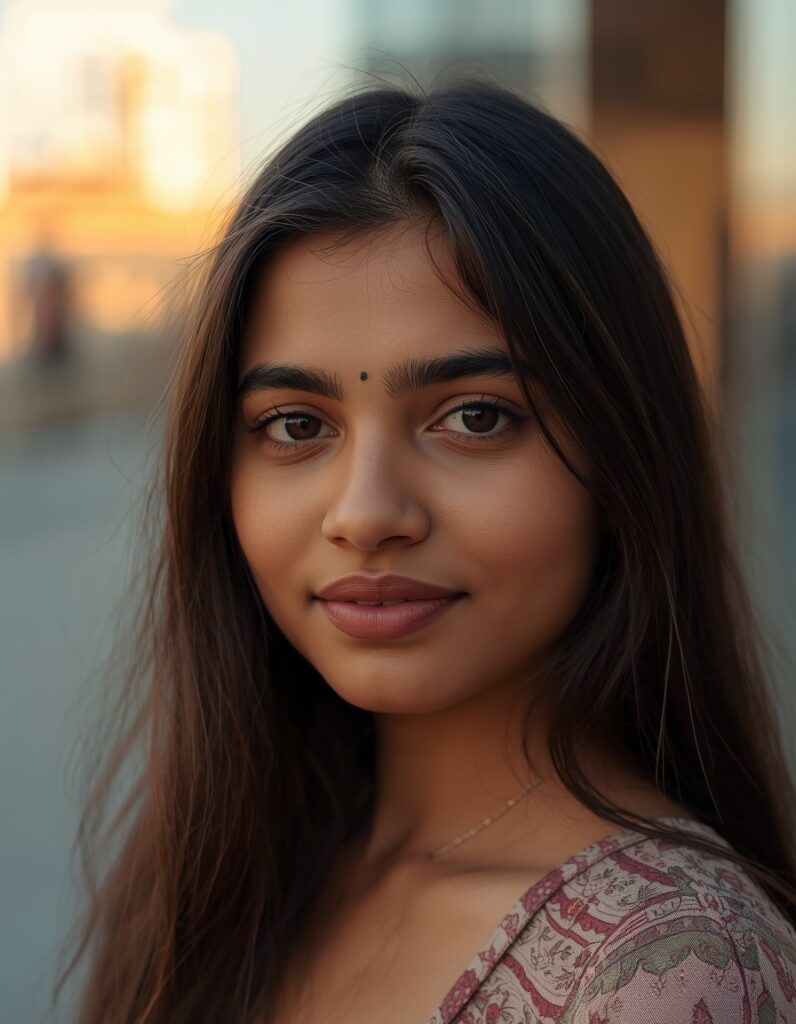
5. Instagram AI Photo Editing Prompt
Instagram ke liye clean aur aesthetically pleasing photographs create karna chahte hain?
Copy Prompt:
Enhance my uploaded photo for an aesthetic Instagram portrait. Keep my face, hairstyle and natural features unchanged. Add soft golden-hour lighting, balanced colours, a modern outdoor background and gentle background blur. Use realistic photography details, natural shadows and sharp facial focus. Create a polished but believable portrait.
Best For: Instagram feed, reels cover aur display pictures.
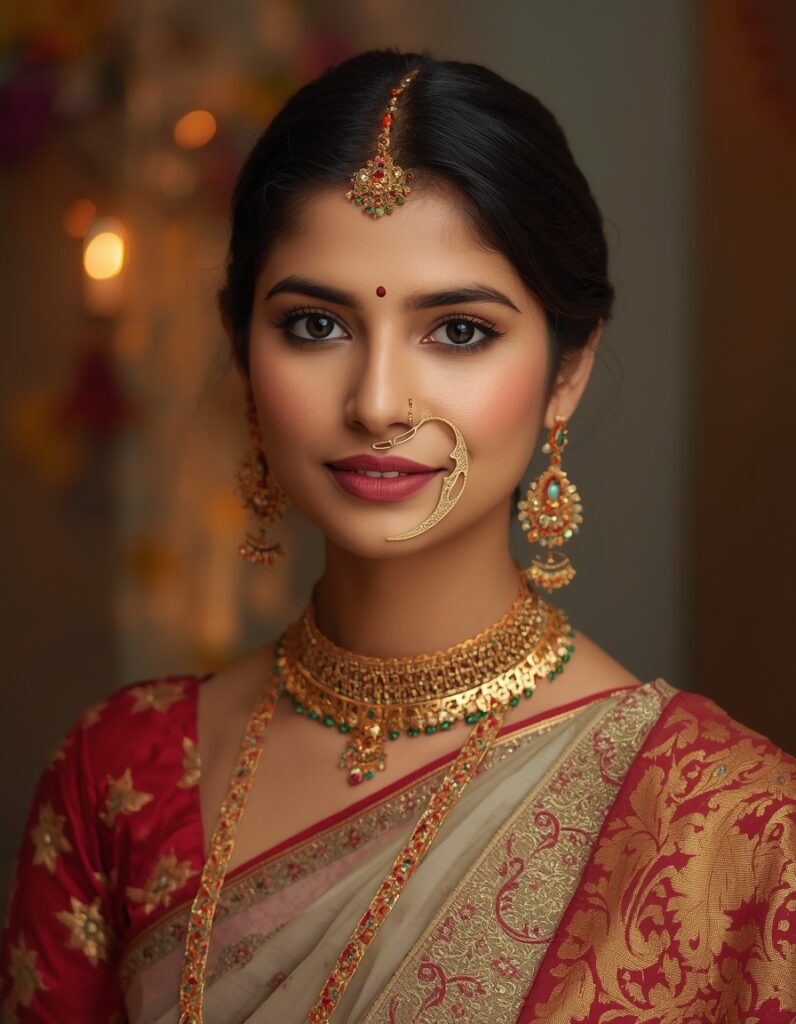
6. Traditional Indian AI Photo Editing Prompt
Indian cultural photography ke liye traditional outfits aur festive backgrounds popular creative choices hain.
Copy Prompt:
Transform my uploaded photo into a realistic traditional Indian portrait. Preserve my original facial identity. Add an elegant traditional Indian outfit with detailed fabric textures. Create a beautiful festive background with warm decorative lighting and subtle floral elements. Use natural skin tones, realistic shadows and professional portrait composition.
Best For: Diwali, Navratri, weddings aur other cultural occasions.
Customization Tip: Prompt mein traditional Indian outfit ki jagah saree, kurta, sherwani, lehenga ya chaniya choli specify kar sakte hain.
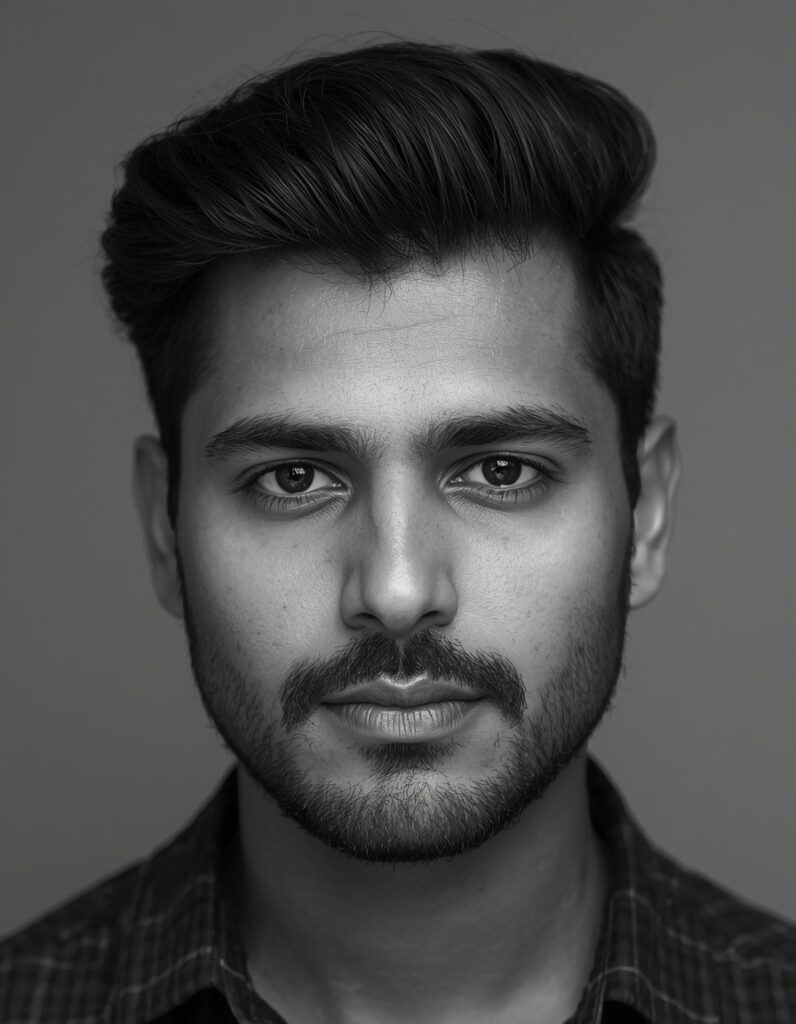
7. Black and White AI Photo Editing Prompt
Classic black-and-white photography ke liye yeh prompt use karein.
Copy Prompt:
Convert my uploaded image into a professional black-and-white portrait. Preserve my facial identity, expression and hairstyle. Apply balanced monochrome tones, natural contrast, soft studio lighting and subtle film grain. Keep facial details sharp and skin texture realistic. Avoid excessive sharpening and artificial effects.
Best For: Professional profiles aur classic portrait photography.
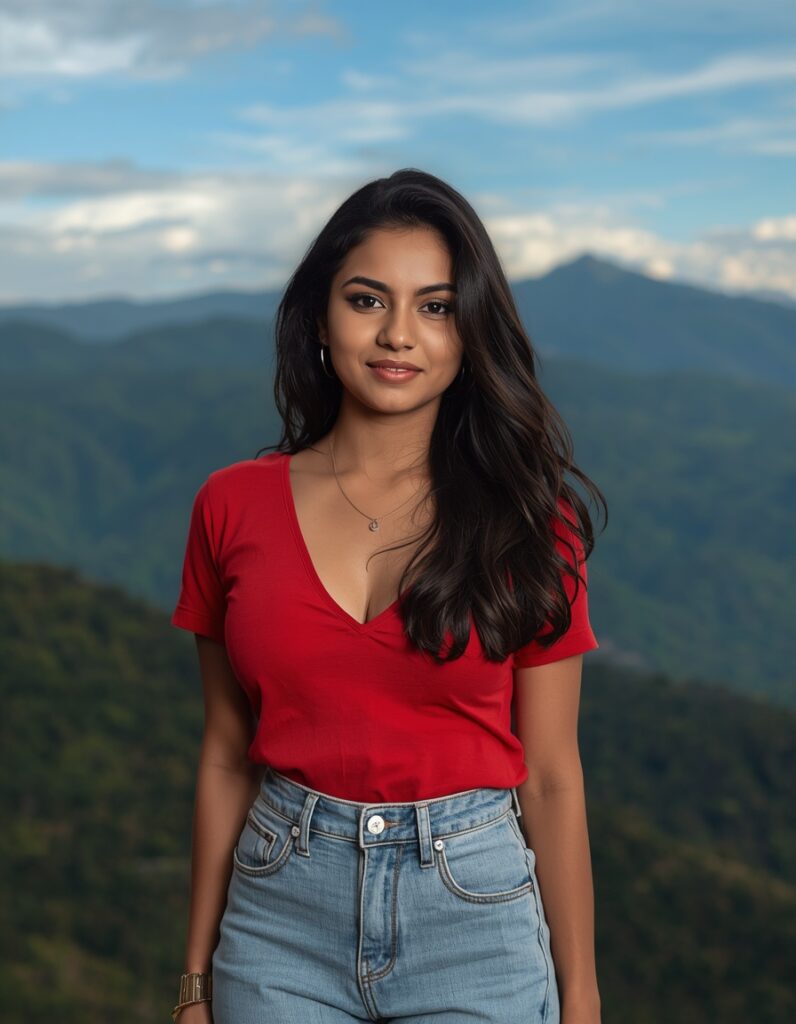
8. AI Background Change Prompt
Agar photo achhi hai lekin background distracting hai, toh complete facial makeover karne ke bajay sirf background replace karein.
Copy Prompt:
Replace only the background of my uploaded photograph with a beautiful natural mountain landscape. Keep the original person, face, hairstyle, clothing, pose and body proportions unchanged. Match the subject lighting with the new environment. Maintain realistic shadows, natural edges and consistent perspective.
Best For: Outdoor-style portraits aur background replacement.
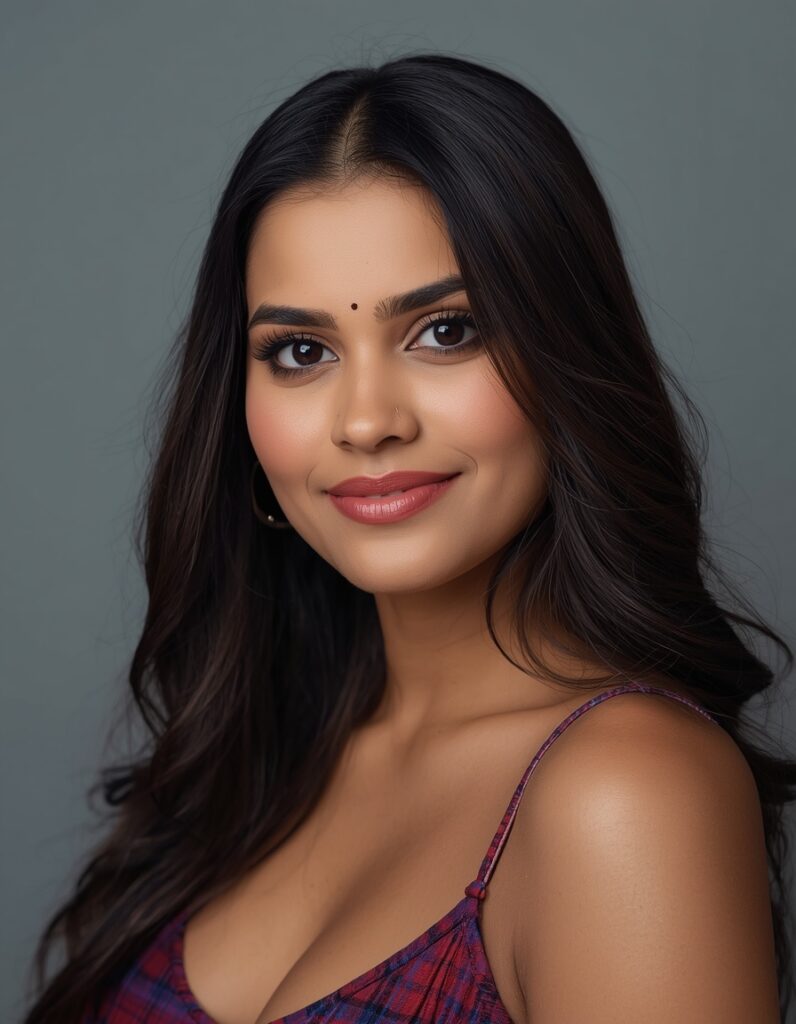
9. Professional Studio Photo Editing Prompt
Professional profile ke liye simple background aur balanced lighting useful ho sakti hai.
Copy Prompt:
Transform my uploaded photograph into a professional studio headshot. Preserve my facial identity and natural expression. Use a clean neutral background, soft studio lighting, realistic skin texture and balanced colour tones. Keep the composition professional and suitable for a business profile. Avoid unnatural beauty filters and exaggerated retouching.
Best For: LinkedIn, business profiles aur professional portfolio photographs.
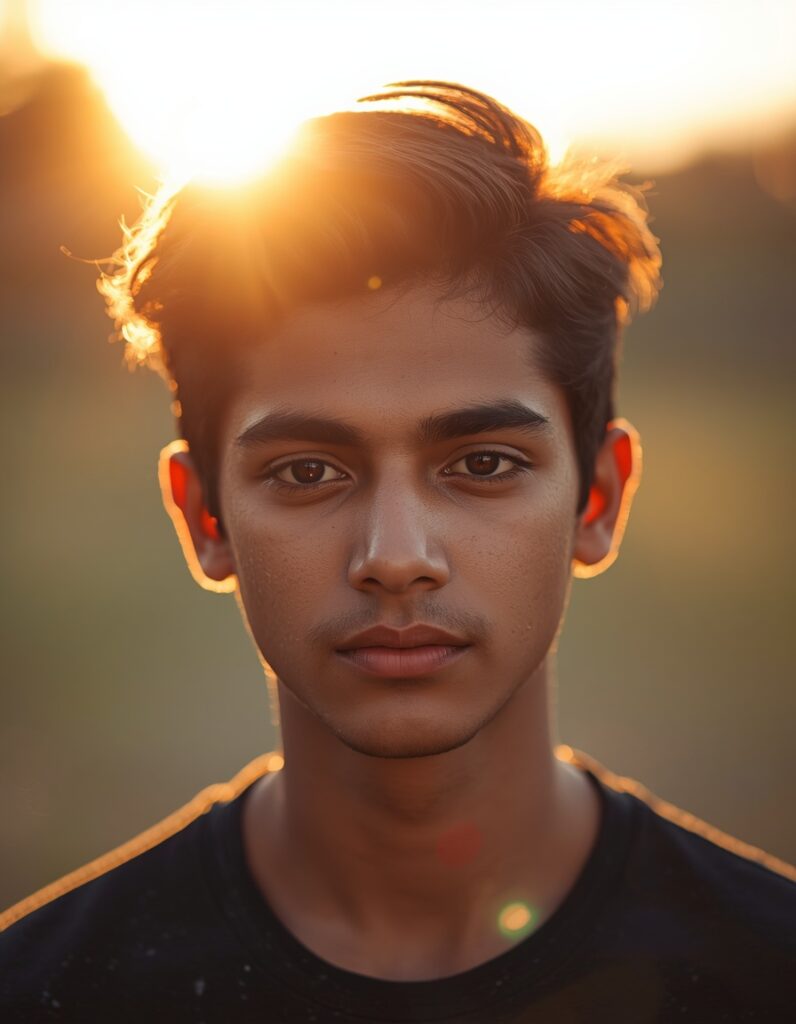
10. Golden Hour AI Photo Editing Prompt
Golden-hour photography mein warm sunlight aur soft shadows photo ko visually attractive banate hain.
Copy Prompt:
Enhance my uploaded portrait with beautiful golden-hour sunlight. Preserve my original facial features and identity. Add warm natural lighting, gentle shadows, realistic highlights and a softly blurred outdoor background. Maintain accurate skin tones, natural hair details and professional photographic composition. Avoid overexposure and unrealistic colour saturation.
Best For: Instagram photography, couple portraits aur outdoor selfies.
AI Photo Editing Prompt Kaise Likhein?
Aap khud bhi creative prompts generate kar sakte hain.
Ek effective AI editing prompt mein five important elements include karna useful hota hai.
| Element | Example |
|---|---|
| Subject | My uploaded portrait |
| Desired Changes | Improve lighting and background |
| Photography Style | Realistic cinematic portrait |
| Lighting | Soft golden-hour sunlight |
| Restrictions | Preserve face and natural features |
Simple Prompt Formula:
Subject + Desired Edit + Photography Style + Lighting + Background + Important Restrictions
Example:
Edit my uploaded portrait into a realistic outdoor photograph with natural sunlight, a blurred garden background, professional colour grading and realistic skin texture. Preserve my original facial identity and hairstyle.
Is formula ko customize karke aap different editing styles ke prompts create kar sakte hain.
Best AI Photo Editing Tools
AI photo editing ke liye multiple tools available hain.
ChatGPT
ChatGPT ke supported image-editing features mein users images upload karke text instructions ke through changes request kar sakte hain.
Aap portrait enhancement, creative styling aur background modification jaise tasks ke liye descriptive prompts use kar sakte hain.
Google Gemini
Gemini ke supported image-generation aur editing experiences mein users reference images aur natural-language prompts ki help se creative image transformations request kar sakte hain.
Feature availability selected model, account aur location ke according change ho sakti hai.
Adobe Firefly
Adobe Firefly image editing ke liye useful option hai, especially jab aap specific objects ya backgrounds modify karna chahte hain.
Adobe ke official documentation ke according, Firefly text instructions aur selected image regions ki help se objects add, remove ya replace kar sakta hai.
Note: Tool selection se pehle current features, pricing, usage limits aur privacy settings check karein.
AI Photo Editing Mein Common Mistakes
AI editing karte waqt kuch common mistakes avoid karni chahiye.
1. Unclear Prompts
“Make my photo beautiful” jaise vague instructions se unpredictable results mil sakte hain.
Better hai ki aap lighting, background aur desired style clearly mention karein.
2. Too Many Changes
Ek hi prompt mein outfit, face, pose, background aur hairstyle change karne se original appearance maintain karna difficult ho sakta hai.
3. Low-Quality Images
Bahut blurry ya low-resolution photos mein facial details preserve karna challenging ho sakta hai.
4. Unrealistic Skin Editing
Excessive smoothing aur sharpness photographs ko artificial bana sakte hain.
Natural skin texture preserve karne ki instruction dein.
5. Ignoring Privacy
Personal images upload karne se pehle tool ki privacy policy check karein.
Kisi dusre person ki photograph edit karte waqt appropriate permission lena bhi important hai.
AI Photo Editing Ke Benefits Aur Limitations
Benefits
- Beginners text instructions se creative edits request kar sakte hain.
- Different backgrounds aur photography styles explore kiye ja sakte hain.
- Kuch editing tasks mein manual work reduce ho sakta hai.
- Social media aur profile photos ke liye multiple visual options create kiye ja sakte hain.
Limitations
- AI facial identity ko perfectly preserve nahi karta.
- Generated images mein unwanted details aa sakti hain.
- Har tool mein same prompt ka result different ho sakta hai.
- Kuch features paid plans ke under available ho sakte hain.
- Important photographs ko publish karne se pehle manually review karna zaruri hai.
Frequently Asked Questions
1. AI Photo Editing Prompt Kya Hota Hai?
AI photo editing prompt ek text instruction hota hai jo AI tool ko batata hai ki uploaded photograph mein kaunse changes karne hain.
2. AI Photo Editing Free Mein Kaise Karein?
Aap free access ya limited free features offer karne wale compatible AI editing tools explore kar sakte hain. Free limits aur feature availability time ke saath change ho sakti hain.
3. Best AI Photo Editing Prompt Kaunsa Hai?
Best prompt aapki requirement par depend karta hai. Natural portrait ke liye realistic enhancement prompt aur stylish photos ke liye cinematic prompt useful starting points hain.
4. Kya AI Photo Editing Mobile Se Ho Sakti Hai?
Haan, supported mobile apps aur mobile-friendly websites ki help se AI photo editing ki ja sakti hai.
5. AI Photo Editing Mein Original Face Kaise Rakhein?
Prompt mein facial identity, hairstyle aur natural features preserve karne ki instructions dein. Lekin AI se exact facial preservation guarantee nahi hota.
6. Kya ChatGPT Se Photo Edit Kar Sakte Hain?
Haan, ChatGPT ke image-editing features available hone par aap image upload karke desired changes describe kar sakte hain.
7. AI Photo Editing Prompt English Mein Likhein Ya Hindi Mein?
Dono languages mein prompts try kiye ja sakte hain, depending on tool support. Detailed English prompts ek practical starting point hain, lekin unse better results ki guarantee nahi hoti.
Conclusion
AI Photo Editing beginners ke liye creative photography explore karne ka ek useful option hai.
Aap realistic portraits, cinematic photographs, traditional Indian looks aur professional headshots banane ke liye different prompts try kar sakte hain.
Achhe results ke liye clear instructions, high-quality reference photographs aur realistic expectations important hain.
Apni favourite photo upload karein, upar diye gaye prompts mein se ek choose karein aur different editing styles explore karein.